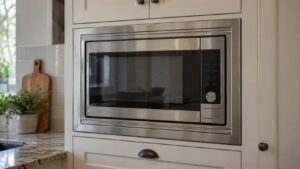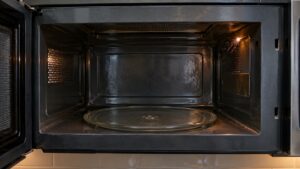
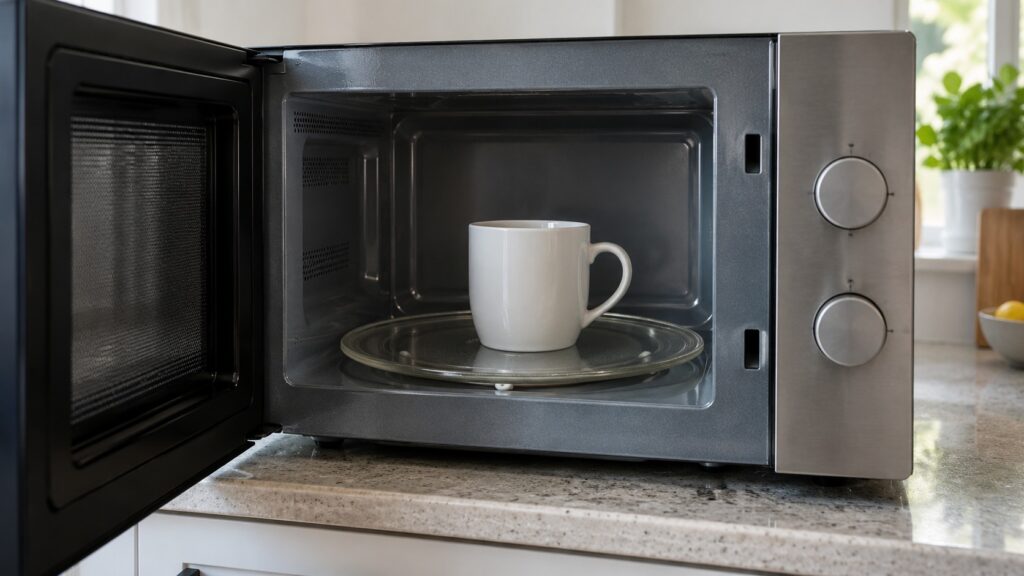
A Maytag microwave turntable that does not rotate is most often a simple seating problem: the glass tray is off its hub, the roller ring is misaligned or dirty, or something is jamming the tray. Take everything out, clean it and put it back in order. If it still sits still, the drive motor or its coupler under the cavity floor is the likely cause, and that needs a technician.
Why is my Maytag microwave turntable not turning?
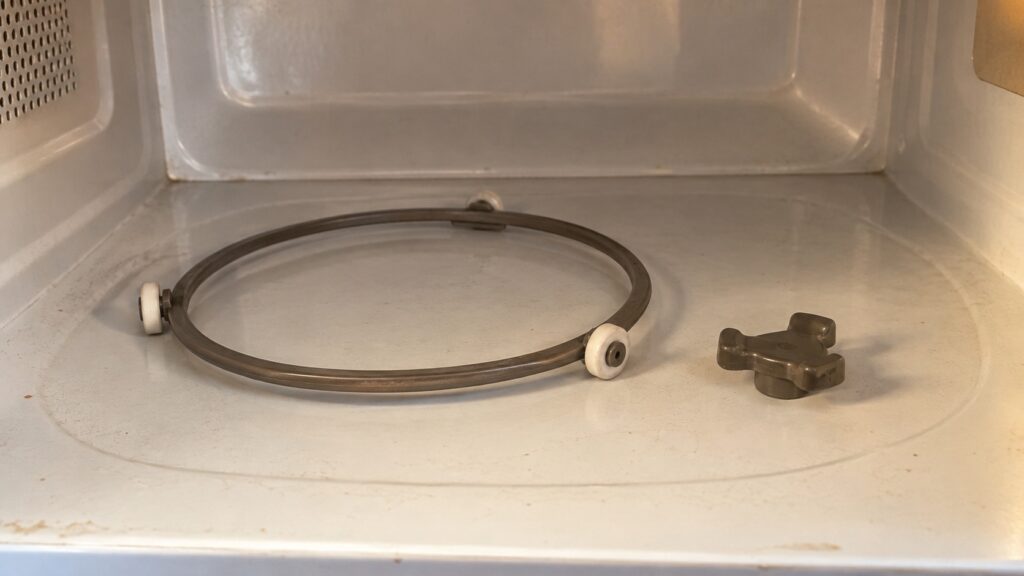
Start with what you can see. The turntable has three parts that matter: a glass tray you put food on, a plastic ring with small rollers that carries the tray, and a drive coupler at the center of the floor that is turned by a motor underneath. If any of the three is out of place, the tray will sit still or catch and jerk. Our model page for the MMV5227JZ, an over-the-range microwave with Sensor Cooking, is one of the pages people open when they search for this problem.
The tray should be seated on its hub and roll freely. That is the check we use on a service call before anything else, because a tray that is not seated can also catch on its ring. Stop the microwave and let it cool before you reach in; if you unplug it, do so only with a dry floor and dry hands.
What should you check first?
Work through these in order with the microwave off and cool.
First, lift the glass tray out and look at the underside. It has a notched center that fits the drive coupler. A crack or a chip in the notch means the tray cannot grip the drive and needs replacing.
Second, lift out the roller ring. Look for food, grease or a bent roller. Wash the ring and the rollers in warm soapy water, dry them and set them back on the track in the cavity floor.
Third, wipe the cavity floor and the center coupler. A film of dried spill is enough to make a plastic roller drag. Our microwave cleaning guide covers the cavity, the waveguide cover and the filters.
Fourth, put the ring back, then the tray. Make sure the tray drops fully onto the coupler. Run it briefly with a cup of water on it and watch; never run the microwave empty.
Could the turntable be switched off?
Some microwaves let you turn the turntable off for oversize dishes, and a control press you did not notice could do it. We do not have a verified list of which Maytag models offer that option or which pad controls it. Check the owner’s manual for your model before you decide the part is broken. If the microwave offers it, the manual will say how the setting is turned on and off.
It is also worth checking whether the dish is the cause. A large rectangular dish, or one with handles, can catch the wall of the cavity or the door and stop the tray. Try a smaller round plate.
What if the tray still will not move?
The next suspects are under the floor of the cavity: the drive coupler that the tray sits on, and the small motor that turns it. A worn or stripped plastic coupler spins freely while the tray stays put. A failed motor does not turn at all, and you may not hear it. Neither is something to reach for with a screwdriver. The parts sit behind panels in a microwave that stores high voltage, and our pages tell owners not to open a sealed system, work on high-voltage parts or force a stuck mechanism, because the risk of injury outweighs the saving.
A technician will disconnect the power, test the motor and replace the coupler or the motor as needed. Ask for a diagnosis before you buy parts, and give the model number from the nameplate. For the cost-to-fix question, our Maytag microwave repair vs replace guide helps you weigh it.
Is it safe to keep using the microwave with a stuck tray?
A microwave with a tray that does not turn can still heat, but unevenly, so food may have cold spots and hot spots. Stir, rotate the dish by hand and check the temperature before eating. A dish that touches the cavity wall can arc, so do not use large dishes. If you see sparks, smell something burning or hear an unusual hum, stop, switch off the microwave’s breaker at the panel from a dry spot and do not use it until it is checked. Our cleaning guide notes that a charred waveguide cover or a non-microwave-safe container causes arcing, so check those too.
If the display shows a code, that is a separate matter. Our F1E4 and E-series codes page says F1E4 is a control board or wiring failure, and that E-series index codes are model-specific. A code by itself does not explain a tray that will not turn.
When should you call for service?
Call when the tray stays still after a clean and a reseat, when the tray is cracked at the center notch and you cannot find a match, when the microwave hums but nothing moves, or when there is any burning smell or arcing. Do not run it empty to test. We are an independent repair company, and our microwave repair page explains the visit. You can book a visit online.